
Working from home has a very thin blurry line between the separation of your work and home responsibilities. With so many companies being able to offer remote working to their employees, and employees grabbing at the opportunity to work from home, some people find it hard to find the line between work and home. here are a few tips on how to create a productive work-home balance.
Clear Boundaries
Although working from home has its “timely” benefits it is important to create “work” hours, more importantly stick to these hours. Work time should be exactly that, a time schedule set out for work only, try not to “bring work home” and work past those scheduled hours.
Dedicated workspace
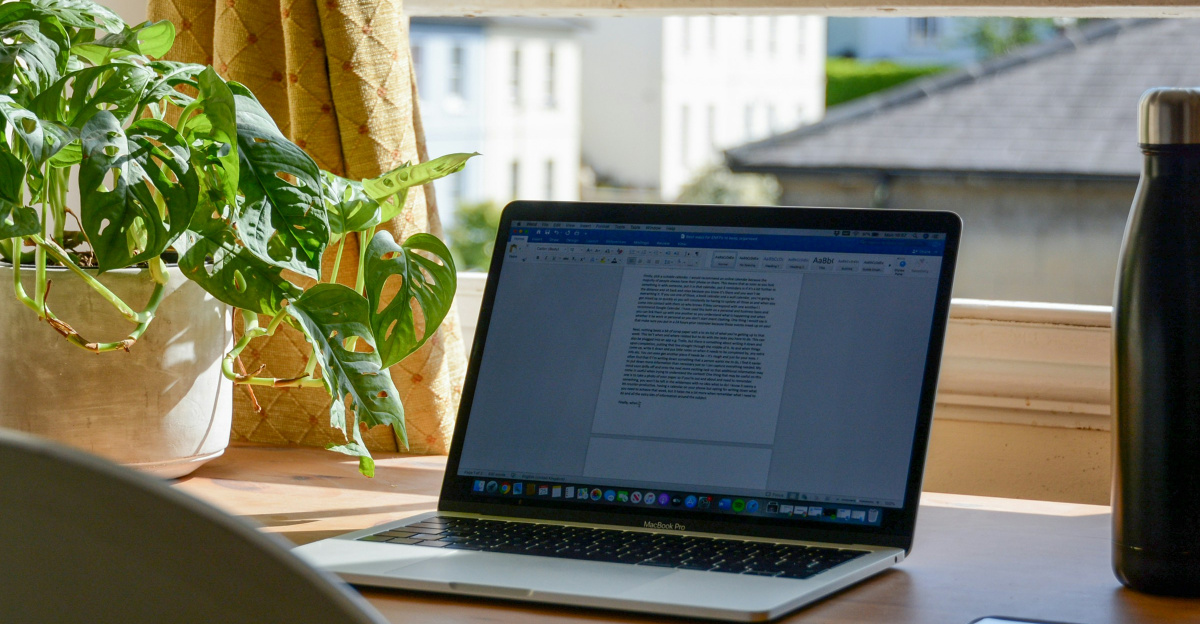
If possible, set out a dedicated workspace, this will create the feel of going into the office. It will also help create a distinct separation between home and work. This space should be suited to all your office needs, this will also prevent distractions from your home.
Prioritize
Identify important tasks and complete them first. This can be a “home” task or a “work” task. Complete these tasks first and then continue with your other responsibilities. This gets the important work done without rushing through other tasks to ensure you get time for the important stuff.
Make use of technology

Our ability to be able to work remotely is due to technology. Utilize this technology as much as needed, and it can be used for everything. Creating schedules, keeping track of your calendar, it can be used for anything. you can also sync up your work and home calendar to ensure your schedules do not intervene with one another.
Exercise
This might seem like an unrelated piece of advice, but it is important to get in some exercise. Working from home did not only change your work environment but it changed a routine which included some exercise, even if that just included walking from your car to your office, this little walk got the blood flowing and the creativity flowing. This will also allow you to unplug – which is another very important thing to do when working from home.
Communicate
Communicate openly about your availability and workload. Going back to the first tip. Communicate to colleagues about your scheduled work time and availability to work. Again, boundaries are important and discuss the workload if it becomes too much to handle. This will prevent becoming overwhelmed, which will make the work from home experience unpleasant.
Conclusion
This being said be adaptable, working from home and achieving a work-home balance is an ongoing adjustment. Be open to adjusting your strategies where needed to accommodate the circumstances. In the end working from home is about finding what best suits you and the work you do.
Sources:
- Owl Labs – “9 Tips for Working From Home That Can Help With Work-Life Balance.”
- Tandem HR – “5 Ways to Attain Work-Life Balance When Working From Home.”
- Leap Event Tech – “17 Remote Work-Life Balance Tips.”
- RemotePass – “Creating Boundaries and Managing Distractions – Working From Home.”
- The Hub CoWorks – “How to Create a Work-Life Balance as a Remote Worker.”
- Insightful – “Employee Wellness and Mental Health in Remote Work.”